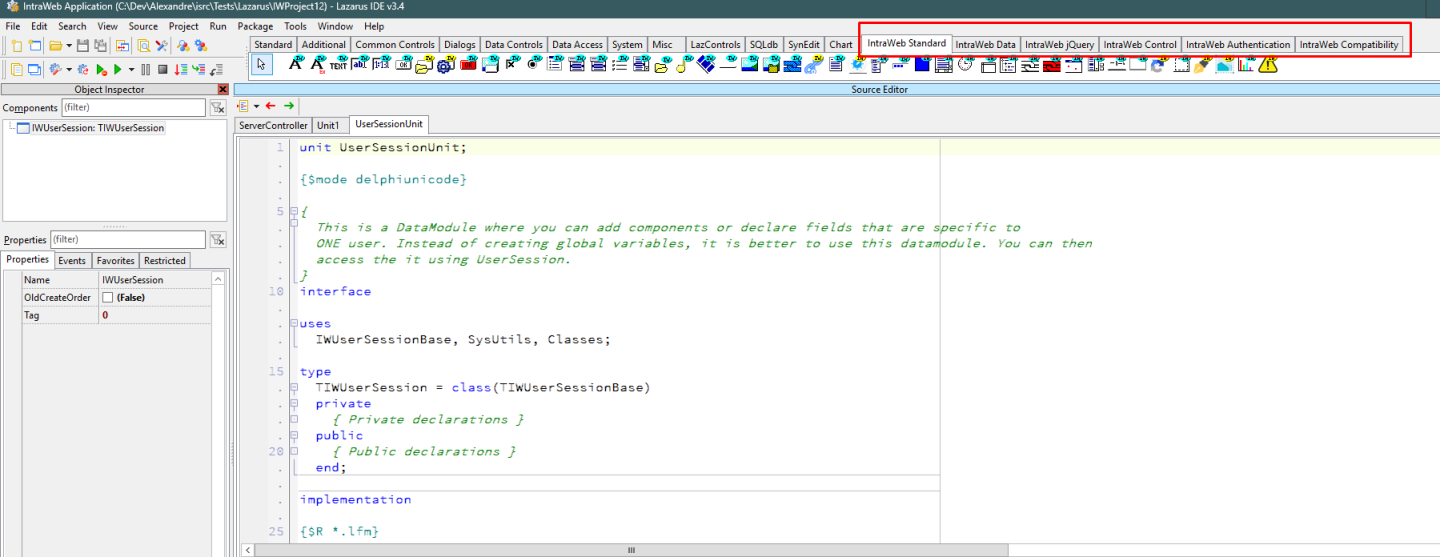
IntraWeb 16 has been released and it includes Lazarus/FPC support.
A few notes:
Versions 3.4 (from FpcDeluxe) and 3.6 (Official) are both supported
Free Pascal Compiler 3.2.2 is supported, x64 (x86_64-win64 target only)
Linux targets are not supported at the moment. It's in our roadmap and being developed.
Supported Lazarus IDEs:
3.6 Official release, x86_64-win64:
https://www.lazarus-ide.org/index.php?page=downloads
Direct download link:
https://sourceforge.net/projects/lazarus/files/Lazarus%20Windows%2064%20bits/Lazarus%203.6/lazarus-3.6-fpc-3.2.2-win64.exe/download
3.4 FpcDeluxe release, x86_64-win64:
https://github.com/LongDirtyAnimAlf/fpcupdeluxe/releases/tag/v2.4.0e
Direct download link:
https://github.com/LongDirtyAnimAlf/fpcupdeluxe/releases/download/v2.4.0e/fpcupdeluxe-x86_64-win64.exe
Note: Binary compatibility is as important in Lazarus as in Delphi. Different versions likely won't be compatible due to changes in the underlying LCL interface.
Here's how to install it:
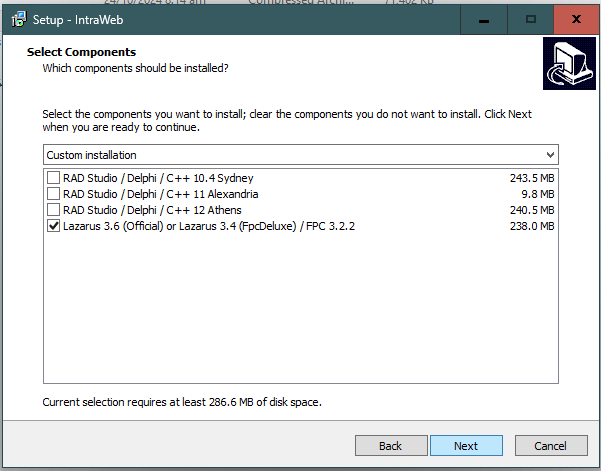
Run the IntraWeb installer and select the last option Lazarus 3.6 (Official) or Lazarus 3.4 (FpcDeluxe) / FPC 3.2.2
After installation, the setup will create a LibLazarus folder, containing 3 other subfolders:

Open Lazarus and choose:
Package -> Open Package File:

Open file dclintraweb_16_lazarus.lpk inside the folder that corresponds to your Lazarus IDE version (3.4 or 3.6).
Then select: Use -> Install as shown in the figure below:

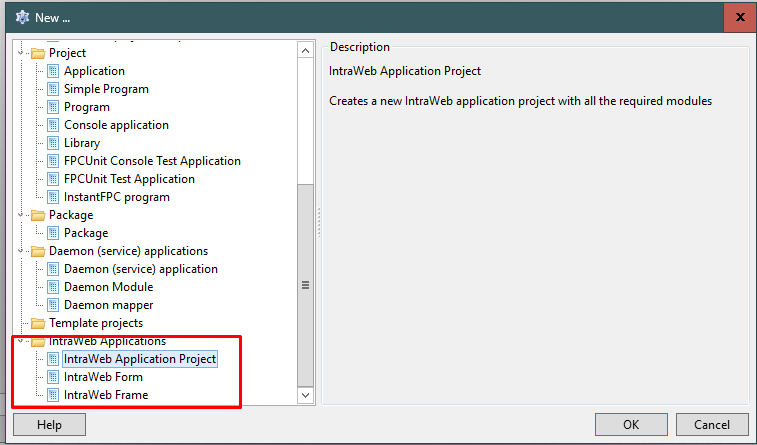
The Lazarus IDE will be recompiled and after installation, you will have a new IntraWeb Application project type available:
You will also see the IntraWeb component palettes: